Tribunator organises panels, rooms and timetables for a conservatoire's entrance exams
José Luis Miralles Bono has created, with the help of Claude, a tool that plans who sits on each panel, in which room and at what time they examine, and checks for clashes before anything is published.
Tribunator is a web application for managing examining panels, rooms and timetables in educational institutions. According to its entry, it is designed for organising the entrance exams of a conservatoire: who sits on each panel, in which room and at what time they examine, which parts of the exam they cover, and what happens when a panel member has students taking the exam. It was created by José Luis Miralles Bono, who states on the page itself that he designed it with the help of Claude.
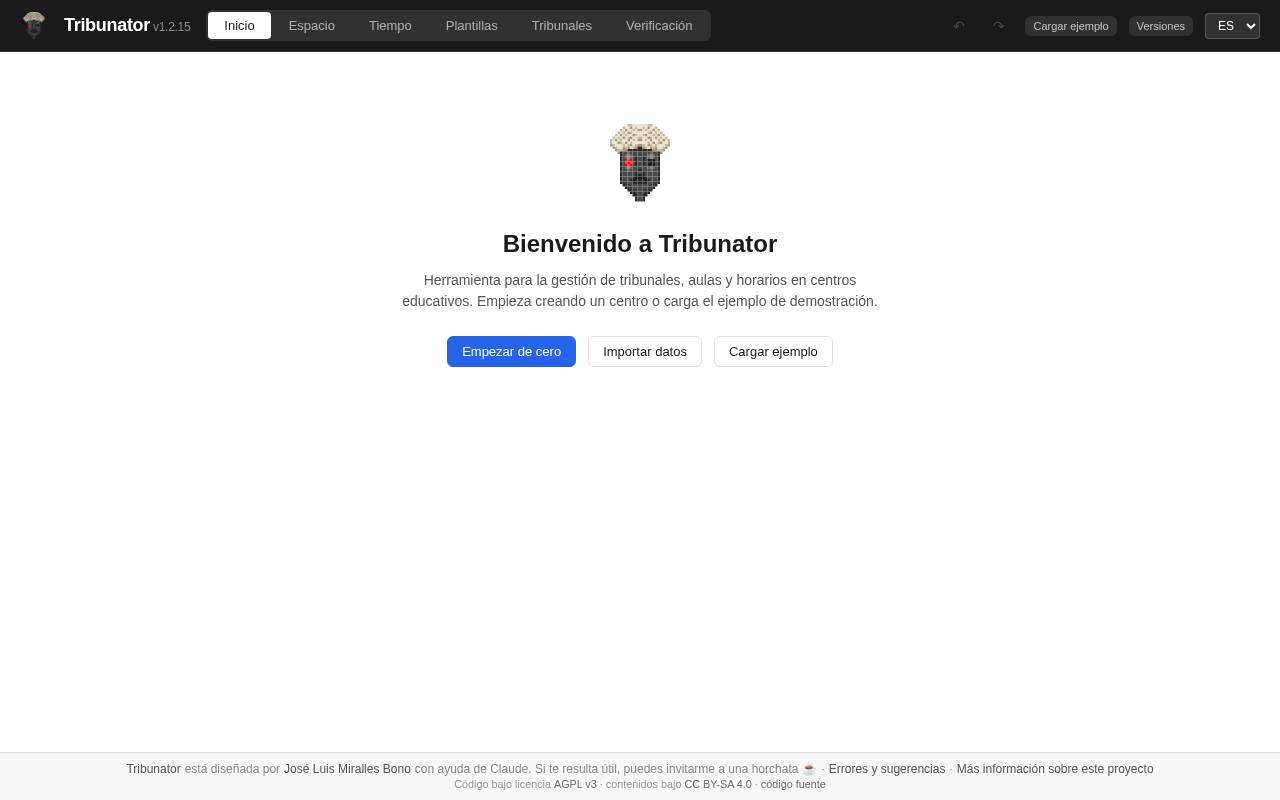
On opening it, the page offers three routes: start from scratch, import data or load a demonstration example. The work is divided into tabs: Space, Time, Templates, Panels and Verification. According to the project's source code repository, Space is where the floor plans of the sites and their rooms are designed, Time is where the days and slots of the exams are planned, Templates defines the structure of each exam, and Panels sets the members, roles and timetables. The same repository adds that the preloaded templates are based on an order from the Valencian Community and that candidates can be loaded from Excel or CSV.
The verification tab, according to the repository, checks the active solution and sorts what it finds into errors, such as room or member clashes, and warnings; the entry mentions 16 automatic checks. It also generates five types of PDF for publication: panels, daily planning, floor plans, posters for each room and a directory. The header has buttons to undo and redo, and another for versions.
As for use, it works in the browser, with no server or account. According to the project's repository, the data is stored in the browser, so it is advisable to export it as JSON from time to time. It can also be downloaded as a single HTML file that works offline; the web version, however, needs a connection to import Excel files and generate the PDFs. The interface is in Spanish, Valencian and English.
For teachers, it is of interest to anyone who coordinates panels for entrance exams, competitive recruitment exams or tests in a school, and also to anyone who wants to see how a management tool of this kind can be built with AI. The code is published under an AGPL v3 licence and the content under CC BY-SA 4.0, so other schools can adapt it.
Tribunator organises panels, rooms and timetables for a conservatoire's entrance exams
José Luis Miralles Bono has created, with the help of Claude, a tool that plans who sits on each panel, in which room and at what time they examine, and checks for clashes before anything is published.
Tribunator is a web application for managing examining panels, rooms and timetables in educational institutions. According to its entry, it is designed for organising the entrance exams of a conservatoire: who sits on each panel, in which room and at what time they examine, which parts of the exam they cover, and what happens when a panel member has students taking the exam. It was created by José Luis Miralles Bono, who states on the page itself that he designed it with the help of Claude.
On opening it, the page offers three routes: start from scratch, import data or load a demonstration example. The work is divided into tabs: Space, Time, Templates, Panels and Verification. According to the project's source code repository, Space is where the floor plans of the sites and their rooms are designed, Time is where the days and slots of the exams are planned, Templates defines the structure of each exam, and Panels sets the members, roles and timetables. The same repository adds that the preloaded templates are based on an order from the Valencian Community and that candidates can be loaded from Excel or CSV.
The verification tab, according to the repository, checks the active solution and sorts what it finds into errors, such as room or member clashes, and warnings; the entry mentions 16 automatic checks. It also generates five types of PDF for publication: panels, daily planning, floor plans, posters for each room and a directory. The header has buttons to undo and redo, and another for versions.
As for use, it works in the browser, with no server or account. According to the project's repository, the data is stored in the browser, so it is advisable to export it as JSON from time to time. It can also be downloaded as a single HTML file that works offline; the web version, however, needs a connection to import Excel files and generate the PDFs. The interface is in Spanish, Valencian and English.
For teachers, it is of interest to anyone who coordinates panels for entrance exams, competitive recruitment exams or tests in a school, and also to anyone who wants to see how a management tool of this kind can be built with AI. The code is published under an AGPL v3 licence and the content under CC BY-SA 4.0, so other schools can adapt it.